
How to Expand Your Shopify Brand to Amazon (Complete Guide)

Connor Mulholland
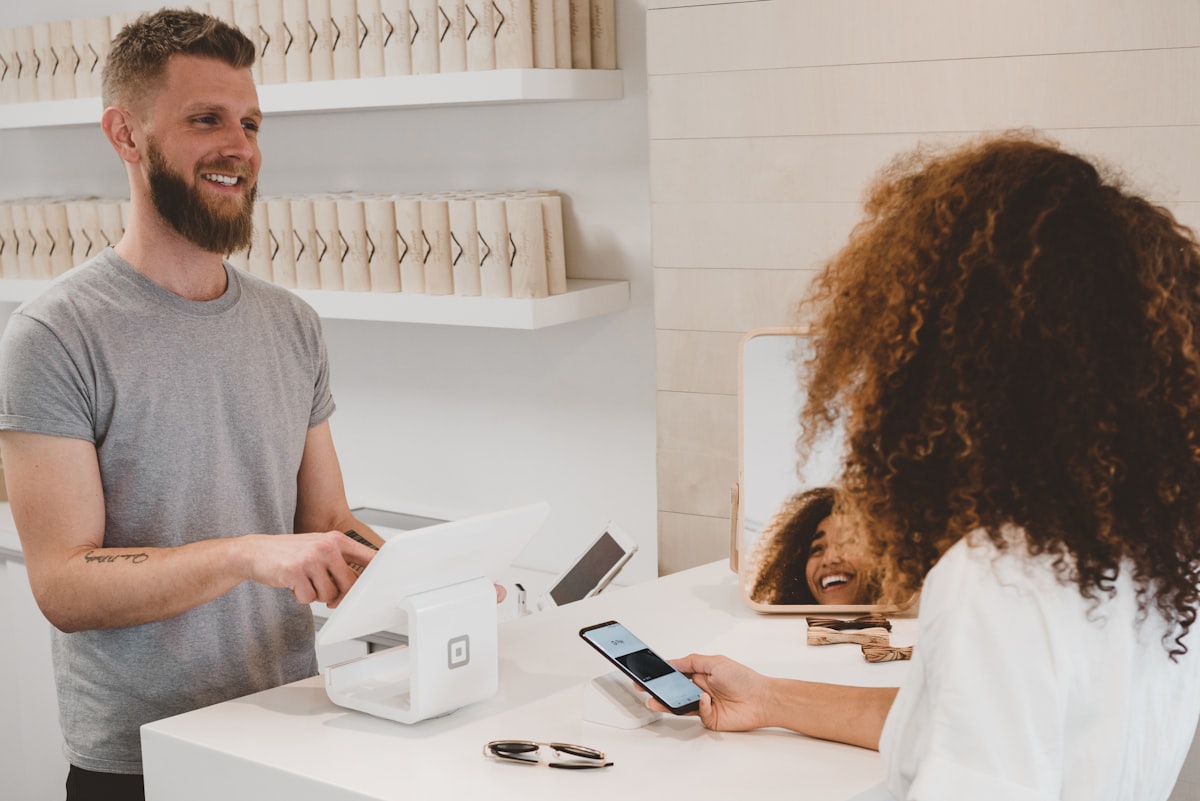
Expanding from Shopify to Amazon is one of the highest-ROI growth moves a DTC brand can make — but only if you treat Amazon as a different channel with different rules. Amazon is a search engine, not a brand destination. Your Shopify copy, pricing, and strategy need Amazon-specific adaptations. This 5-phase playbook covers account setup, listing creation, fulfillment, PPC launch, and ongoing operations.
Why expand to Amazon?
Amazon receives over 2 billion monthly visits. For most DTC brands, that's a larger addressable market than all other channels combined. And the buyers are different — Amazon shoppers search on Amazon specifically, with purchase intent. They're not browsing Instagram or clicking Google ads. They're searching for your product category with their credit card ready.
The data on cannibalization is clear: Amazon expands total revenue rather than splitting existing Shopify sales. Most DTC brands see 20-50% total revenue growth within 6 months of a proper Amazon launch. The customer overlap between Shopify direct and Amazon is typically less than 15%.
The question isn't whether to expand to Amazon — it's how to do it without making the mistakes that trip up most DTC brands. For a detailed analysis of common mistakes, see our Shopify to Amazon mistakes guide.
Why DTC brands struggle on Amazon
Amazon is a search engine, not a brand destination. The skills that built your Shopify brand — storytelling, beautiful design, brand experience — are table stakes on Amazon, not differentiators. What matters on Amazon:
- Keywords: Your listing must rank for the terms customers search. Brand-first titles that work on Shopify fail on Amazon.
- Conversion rate: Customers compare 5-10 products in 30 seconds. Your listing must win on features, benefits, and trust signals — not brand narrative.
- Reviews: Social proof drives purchasing decisions more than brand recognition for new-to-Amazon brands.
- Operational precision: Inventory, PPC, pricing, and account health require daily attention. Amazon rewards consistency and punishes neglect.
Phase 1: Account and brand setup (Weeks 1-2)
Seller account
Register a Professional Seller account ($39.99/month). Use your business entity's information. You'll need your EIN, business bank account, and a valid credit card.
Brand Registry
If you have a registered trademark (which most DTC brands do), apply for Brand Registry immediately. It unlocks A+ Content, Sponsored Brands ads, Brand Analytics, and listing protection. The application takes 2-3 weeks if your trademark is already registered with the USPTO.
Competitive analysis
Before creating listings, analyze the top 5-10 sellers in your target subcategories:
- Price ranges and positioning
- Review counts and ratings (this tells you the barrier to entry)
- Listing quality (images, A+ Content, bullet format)
- PPC activity (are they running Sponsored Products and Brands?)
- Gaps you can exploit (better ingredients, better packaging, better images)
Phase 2: Listing creation (Weeks 3-4)
Do NOT copy your Shopify product pages. Amazon listings need to be built specifically for Amazon's search algorithm and buyer behavior:
Title
Keyword-first, not brand-first. "Vitamin C Serum 20% — Anti-Aging, Hyaluronic Acid, Organic — [BrandName] 1oz" outperforms "[BrandName] — Our Signature Brightening Serum." Your Shopify title focuses on brand identity; your Amazon title focuses on search relevance.
Bullet points
Five bullets, benefit-first format with CAPITALIZED lead-ins. Each bullet addresses one feature and one benefit with 1-2 keywords integrated naturally. Your Shopify bullets are lifestyle narrative; your Amazon bullets are scannable feature/benefit pairs.
Images
Seven images minimum. Your Shopify editorial photography is useful but insufficient — Amazon also needs infographics with feature callouts, ingredient highlights, size comparisons, and what's-in-the-box shots. See our image creation guide.
A+ Content
THIS is where your DTC brand storytelling goes. A+ Content replaces the basic product description with rich media modules — brand story, lifestyle imagery, comparison charts, and feature deep-dives. This is your competitive advantage as a DTC brand: you have better brand assets than most Amazon-native sellers.
Automate this with Jarvio; no coding required.
Start 14-day free trialPhase 3: Fulfillment strategy (Weeks 5-6)
FBA is recommended for most DTC brands launching on Amazon. The Prime badge significantly improves conversion rate (up to 30% higher than non-Prime listings) and Buy Box eligibility.
Initial inventory quantity
Send 60 days of estimated supply per product. Estimate initial Amazon velocity at 30-50% of your Shopify daily rate. Example: if your serum sells 10/day on Shopify, plan for 3-5/day on Amazon initially, so 60 days × 4 units/day = 240 units.
FBA prep requirements
Check your category's FBA prep requirements. Liquids need poly bagging. Glass needs bubble wrap. Products with small parts need suffocation warnings. Your 3PL or prep center can handle this if you provide specifications.
Alternative: Multi-Channel Fulfillment
If you want to consolidate fulfillment, Amazon's Multi-Channel Fulfillment (MCF) can ship both Amazon and Shopify orders from FBA inventory. See our MCF guide. Alternatively, use your existing 3PL for Shopify and FBA for Amazon.
Phase 4: Launch PPC (Weeks 7-8)
PPC from day 1 is non-negotiable. You have zero organic ranking and zero reviews — PPC is your only traffic source.
| Campaign | Budget | Purpose | Expected ACoS |
|---|---|---|---|
| Auto Research | $15-20/day | Keyword discovery | 30-40% |
| Exact Match | $20-25/day | Target high-intent terms | 25-35% |
| Product Targeting | $10-15/day | Show on competitor pages | 25-40% |
Accept higher ACoS during launch — you're buying ranking position and data. Optimize weekly starting in week 2: negate waste terms, graduate auto winners to exact match, adjust bids based on conversion data. For the complete PPC framework, see our PPC structure guide.
Phase 5: Ongoing operations
Amazon requires a consistent operational cadence:
| Frequency | Tasks | Time |
|---|---|---|
| Daily | PPC budget check, review monitoring, Buy Box status | 15-20 min |
| Weekly | Search term analysis, bid adjustments, inventory check | 1-2 hours |
| Bi-weekly | Competitor analysis, listing optimization, restock planning | 1-2 hours |
| Monthly | P&L analysis, strategy review, A+ Content updates | 2-3 hours |
Pricing strategy for dual-channel
Amazon's fee structure is significantly higher than Shopify's (30-40% vs 10-15% of revenue). Most successful DTC brands handle this in one of three ways:
- Amazon premium (most common): Price 10-20% higher on Amazon. Your $45 Shopify product becomes $49.99-54.99 on Amazon. This maintains your margin while staying competitive within Amazon's marketplace.
- Price parity: Same price on both channels. Requires accepting lower margins on Amazon. Works for brands where price consistency is critical for brand integrity.
- Bundle differentiation: Different configurations on each channel. Sell singles on Shopify and multi-packs on Amazon, making direct price comparison difficult.
Inventory sync between channels
Selling the same products on both platforms without syncing inventory leads to overselling and account health issues. At minimum, maintain a 15-20% safety buffer per channel. For the complete sync setup, see our inventory sync guide.
What this looks like in practice
Related: 7 Mistakes Shopify Brands Make on Amazon | Jarvio for DTC Brands | Shopify-Amazon Inventory Sync
Frequently asked questions
Can I sell on both Shopify and Amazon?
How long does it take to launch on Amazon?
Will Amazon sales cannibalize my Shopify revenue?
Should I list all my products or start with a few?
Do I need separate inventory for Amazon?
How much should I budget for the first 3 months?

Connor Mulholland
Ready to automate your Amazon operations?
Start 14-day free trialRelated articles
Shopify to Amazon: What DTC Brands Get Wrong
DTC brands make the same mistakes when expanding to Amazon. Here's what to avoid and how to launch properly.
Getting StartedHow to Launch Your First Product on Amazon in 2026 (Step by Step)
Launching your first Amazon product? Here's the complete step-by-step from account setup to your first sale.
StrategyAI for Amazon Images: Generate, Edit, and Optimize Product Photos
AI can help plan, generate, and optimize Amazon product images without violating policies.